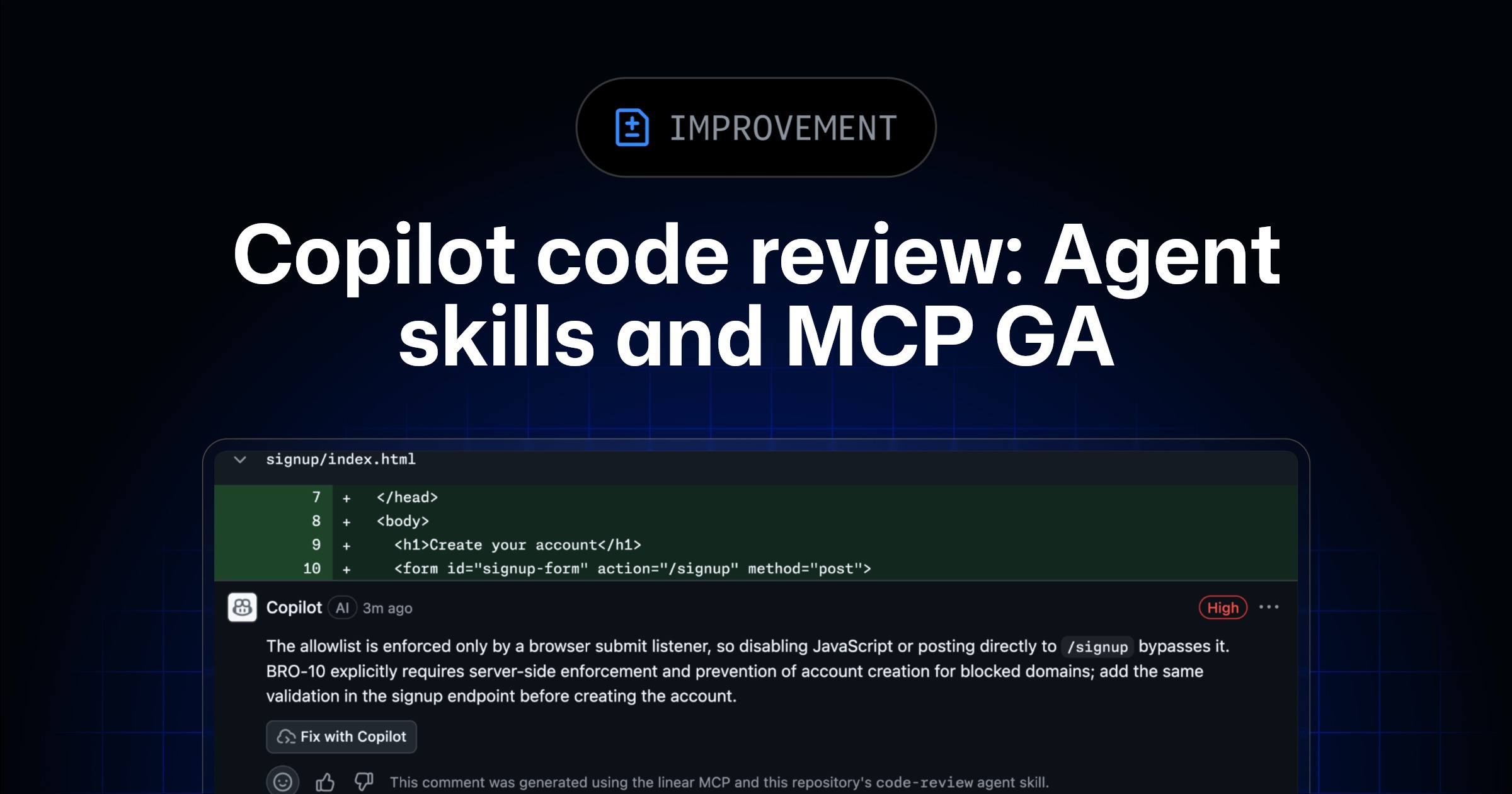
GitHub has announced that Copilot code review support for agent skills and MCP servers is now generally available. This release applies to all Copilot Pro, Pro+, Business, and Enterprise users. These capabilities were previously available in public preview.
Key Points
- Copilot code review now supports agent skills and MCP servers for general availability.
- This functionality is accessible to Copilot Pro, Pro+, Business, and Enterprise users.
- Agent skills allow Copilot code review to use a team's internal tools and coding standards.
- MCP server connections integrate context from third-party platforms into code reviews.
- All MCP tool calls by Copilot code review are limited to read-only operations.
- GitHub and Playwright MCP are enabled by default.
- Copilot code review indicates when comments are generated using agent skills or MCP context.
Context
According to GitHub, these capabilities allow teams to integrate their specific tools, standards, and external context directly into every code review. Existing configurations for agent skills or MCP servers from the public preview phase will continue to function without requiring changes. Any MCP configurations already set up for Copilot cloud agent automatically apply to Copilot code review.
Why It Matters
This release provides Copilot users with enhanced customization and integration options for code reviews, allowing them to incorporate organizational-specific knowledge and external data sources directly into the development workflow.
What To Do
- For agent skills, create a skill-specific directory under
.github/skillsand add aSKILL.mdfile with context and instructions. - For MCP servers, add configurations under repository settings → Copilot → MCP servers.
- Store authentication tokens for MCP under repository settings → Secrets and variables → Agents.
- Review the agent skills documentation for more details on implementation.