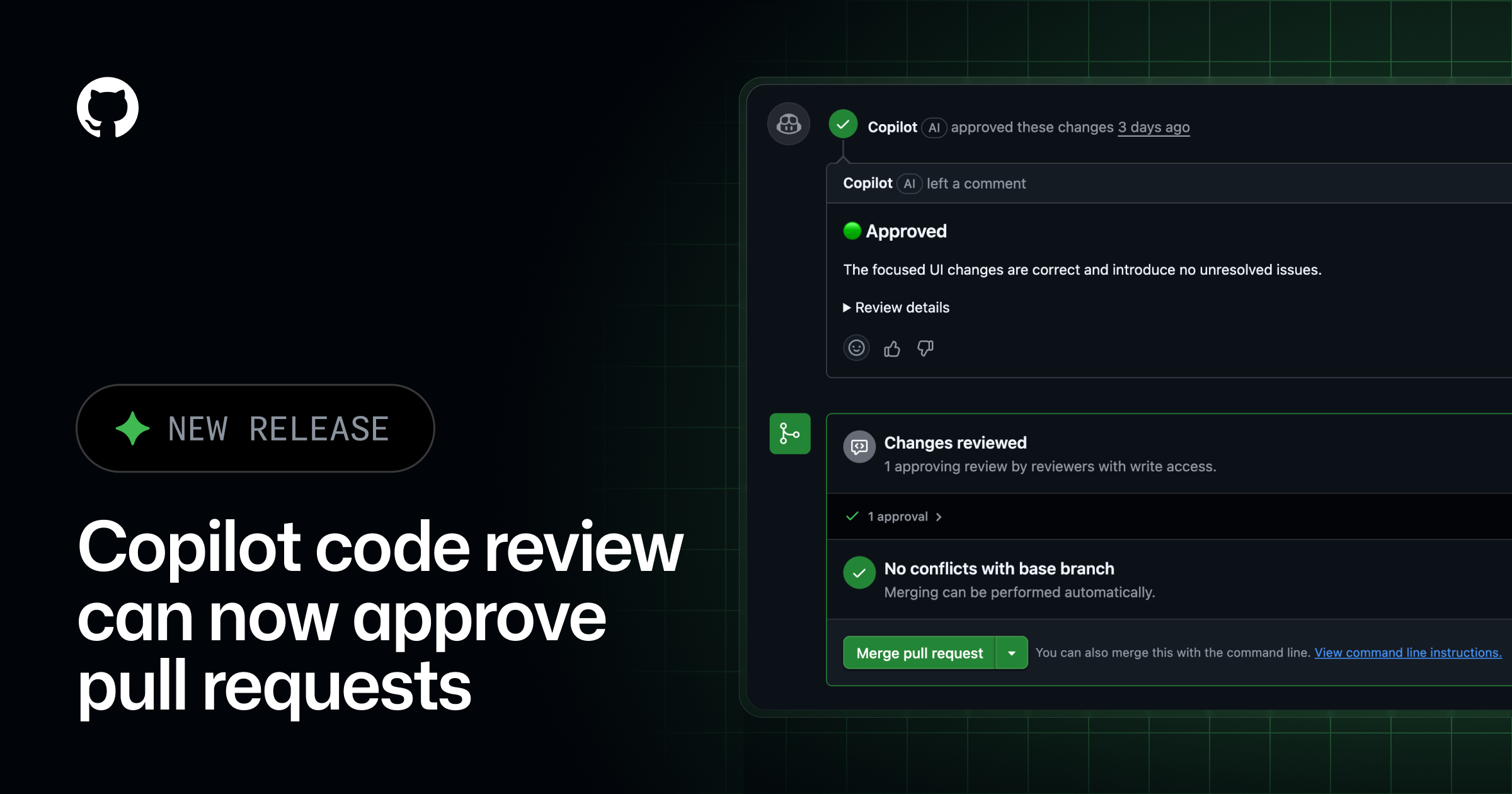
GitHub has updated Copilot code review to include approval assessments. This feature, available in public preview, allows Copilot to signal when a pull request is ready for approval. Administrators can configure Copilot to approve pull requests, contributing to merge requirements.
Key Points
- Copilot now provides an approval assessment within the overview comment of every code review.
- The assessment indicates if Copilot considers a pull request ready for approval.
- By default, Copilot will not approve pull requests.
- Administrators can authorize Copilot to submit an approval that counts toward a repository's required-approvals rule.
- If new commits are pushed after Copilot approves, its approval is dismissed.
- This feature is available in public preview for GitHub Copilot Pro, Pro+, Max, Business, and Enterprise plans.
Context
According to GitHub, the ability for Copilot to approve pull requests is off by default. This behavior is configurable at the enterprise, organization, and repository levels. The approval assessments are integrated into the overview comment of each Copilot review.
Why It Matters
This update introduces a new capability for Copilot in the code review workflow, potentially streamlining the approval process for developers and teams. Builders can configure Copilot to automate a step in their continuous integration and delivery pipelines.
What To Do
- Check the Copilot code review documentation for details on configuring approvals.
- Note that Copilot's approval is dismissed if new commits are pushed after it approves.
- Test the public preview if you are on GitHub Copilot Pro, Pro+, Max, Business, or Enterprise plans.
- Review the configuration options for enterprise, organization, and repository levels to manage Copilot's approval behavior.