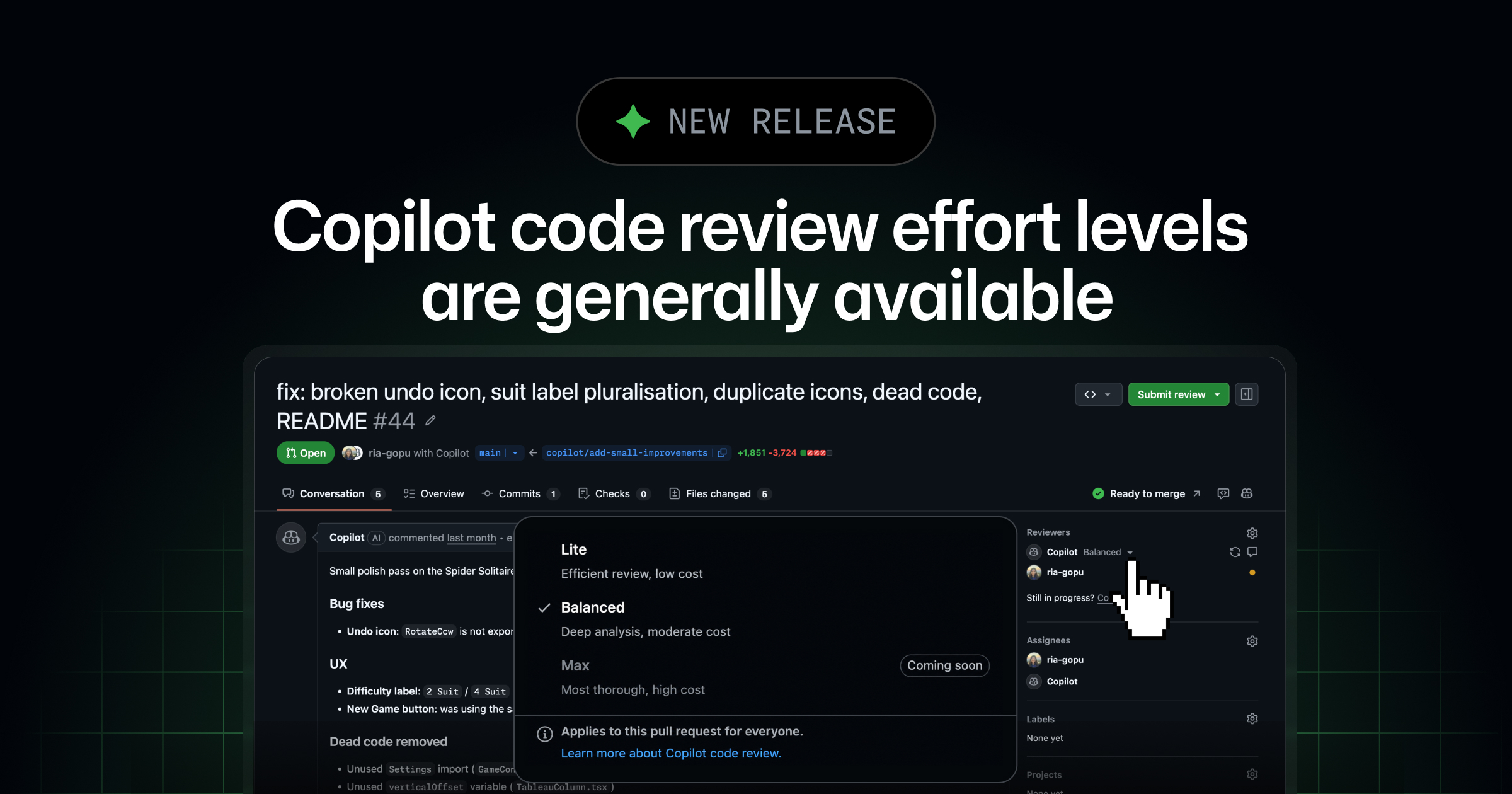
GitHub has announced the general availability of Lite and Balanced effort levels for GitHub Copilot code review. These new options enable users to tailor the depth of a code review to the specific complexity and risk associated with a pull request.
Key Points
- Lite and Balanced effort levels for GitHub Copilot code review are now generally available.
- These levels allow matching review depth to the complexity and risk of a pull request.
- Lite is for routine changes, while Balanced is for larger, more complex, or sensitive changes.
- Lite and Balanced replace the previously named Low and Medium effort levels.
- These effort levels are available with Copilot Pro, Pro+, Max, Business, and Enterprise plans.
- Organization administrators can set a default review effort level for all repositories.
- The system labels which effort level ran in timeline events and pull request overview comments.
Context
According to GitHub, not all pull requests require the same level of scrutiny. Documentation updates or small fixes may only need focused feedback, whereas complex logic, security-sensitive code, and cross-service changes benefit from more in-depth analysis. The Lite and Balanced options address this by providing distinct review depths.
Why It Matters
This update provides developers and organizations with more granular control over their code review processes, potentially optimizing efficiency by applying appropriate scrutiny based on the nature of the changes. It allows for a more tailored approach to code quality and security checks.
What To Do
- Choose Lite for feedback on straightforward changes.
- Choose Balanced when a change warrants deeper analysis from a higher-reasoning model.
- Organization admins should navigate to organization settings > Copilot > Copilot code review to configure a default effort level.
- Review the Copilot code review documentation to tune review depth for your team.