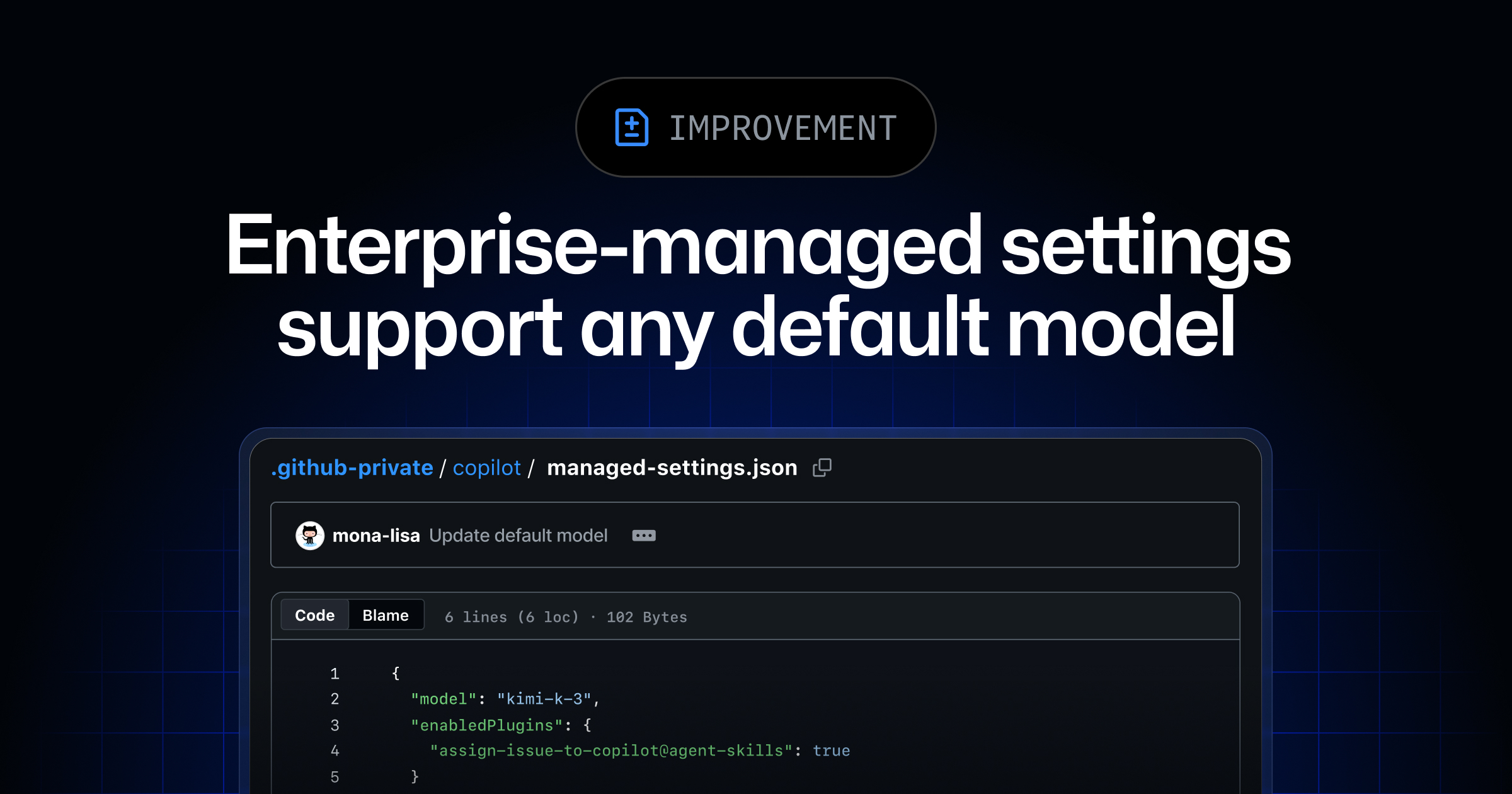
GitHub has updated its enterprise-managed settings for GitHub Copilot, enabling organizations to select a default model for new conversations. This feature, announced on September 2, 2026, is designed to help enterprises align Copilot's behavior with specific workflow requirements.
Key Points
- Enterprises can now set a preferred GitHub Copilot model as the default for new conversations.
- This default model can be customized based on enterprise team membership.
- To enable team-specific defaults, the model key must be set as overridable.
- Team configuration files in
team-mappings.jsoncan be updated to assign different default models to teams. - Users not part of a team with a custom default will inherit the enterprise-wide default.
- Model defaults in managed settings are generally available with Copilot Business and Copilot Enterprise.
- This functionality is accessible in the GitHub Copilot app, Copilot CLI, and Visual Studio Code.
Context
According to the GitHub Changelog, this enhancement provides flexibility for organizations using GitHub Copilot. It allows administrators to tailor the initial Copilot experience to different groups within an enterprise, ensuring that the most suitable model is presented by default for various tasks.
Why It Matters
This update offers builders and administrators greater control over the GitHub Copilot environment, potentially improving efficiency by pre-configuring the tool to match specific team needs and reducing the need for manual model selection.
What To Do
- Review the GitHub documentation on enterprise managed settings for Copilot.
- Compare the capabilities of different GitHub Copilot models to determine the best fit for various workflows.
- For enterprise administrators, test setting a default model for the entire organization.
- Explore customizing default models for specific teams by updating
team-mappings.json.