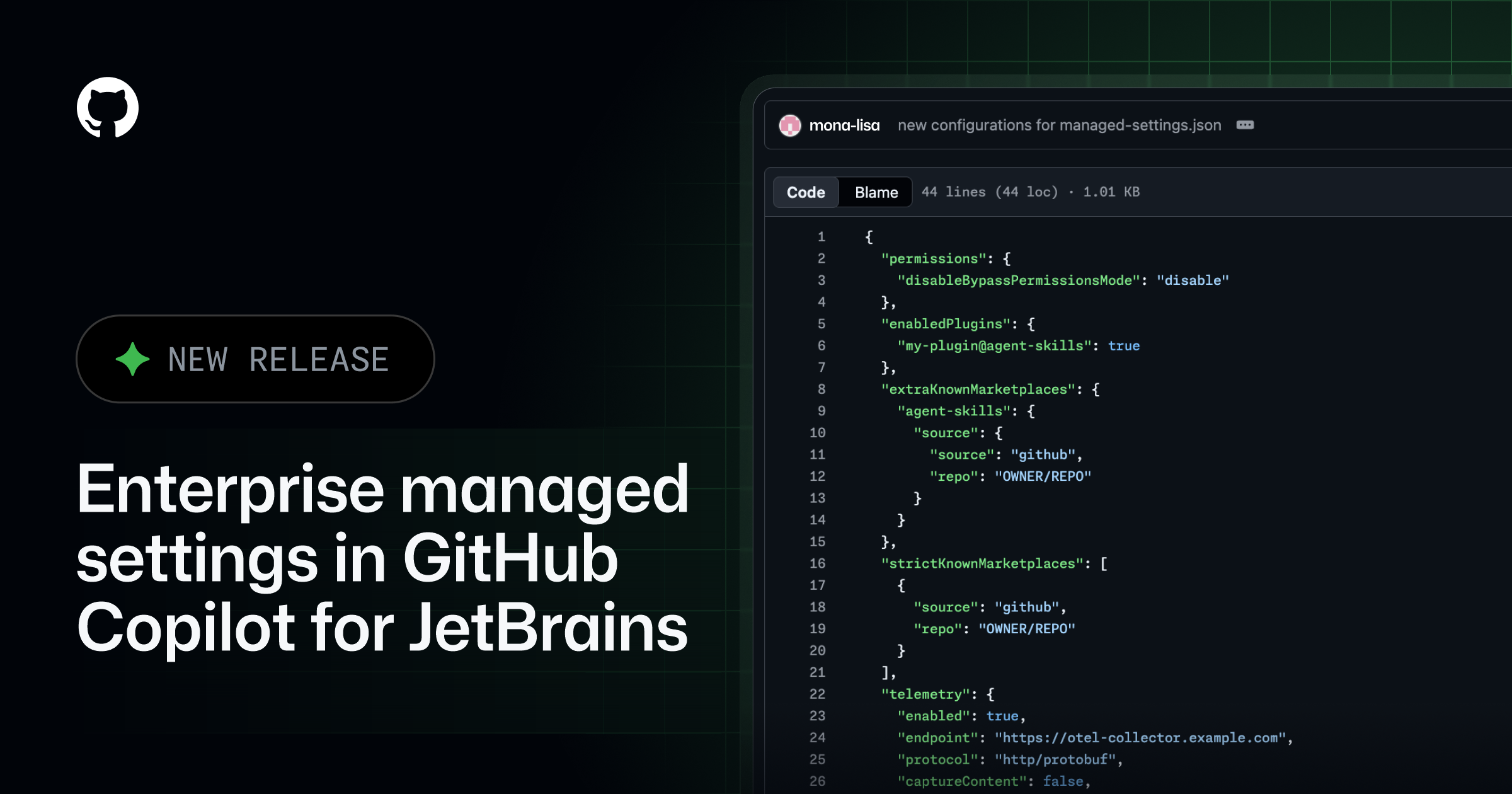
GitHub has introduced enterprise managed settings for GitHub Copilot for JetBrains, enabling administrators to implement consistent controls across their organization's Copilot plan. These new capabilities, announced on August 18, 2026, cover plugin governance, MCP server access, OpenTelemetry configuration, and permission modes within JetBrains integrated development environments (IDEs).
Key Points
- Administrators can manage Copilot plugins and their marketplaces within JetBrains IDEs.
- Controls include
enabledPluginsto require a plugin to be enabled or disabled,extraKnownMarketplacesfor approved plugin sources, andstrictKnownMarketplacesto limit installations. allowedMcpServersanddeniedMcpServersallow central control over MCP server connections, preventing developers from connecting to unapproved servers.- Administrators can configure OpenTelemetry for Copilot in JetBrains IDEs, including the collector endpoint, protocol, service name, resource attributes, and content-capture policy.
- Managed OpenTelemetry values take precedence over developer settings, ensuring consistent telemetry routing.
- The
permissions.disableBypassPermissionsModesetting can disable the Copilot agent's use of Bypass Approvals or Autopilot. - Developers can review applied OpenTelemetry configurations under
Settings > Tools > GitHub Copilot > Chat > OpenTelemetry.
Context
According to the GitHub Changelog, these new settings allow administrators to apply consistent controls for all users on their enterprise's Copilot plan. This central management capability extends to various aspects of Copilot's operation within JetBrains IDEs, from plugin availability to data telemetry and agent permissions.
Why It Matters
This update provides enterprise administrators with enhanced control over how GitHub Copilot operates within their JetBrains development environments. It enables organizations to enforce security policies, manage software supply chains, and ensure compliance by standardizing Copilot configurations and limiting developer discretion in key areas.
What To Do
- Review the GitHub Changelog entry for August 18, 2026, for full details on the new enterprise managed settings.
- Consult the enterprise managed settings reference for comprehensive documentation on available controls and their implementation.
- Test the latest version of the GitHub Copilot plugin for JetBrains to evaluate the new administrative capabilities.
- Note the specific settings, such as
allowedMcpServersandpermissions.disableBypassPermissionsMode, for their impact on security and compliance.