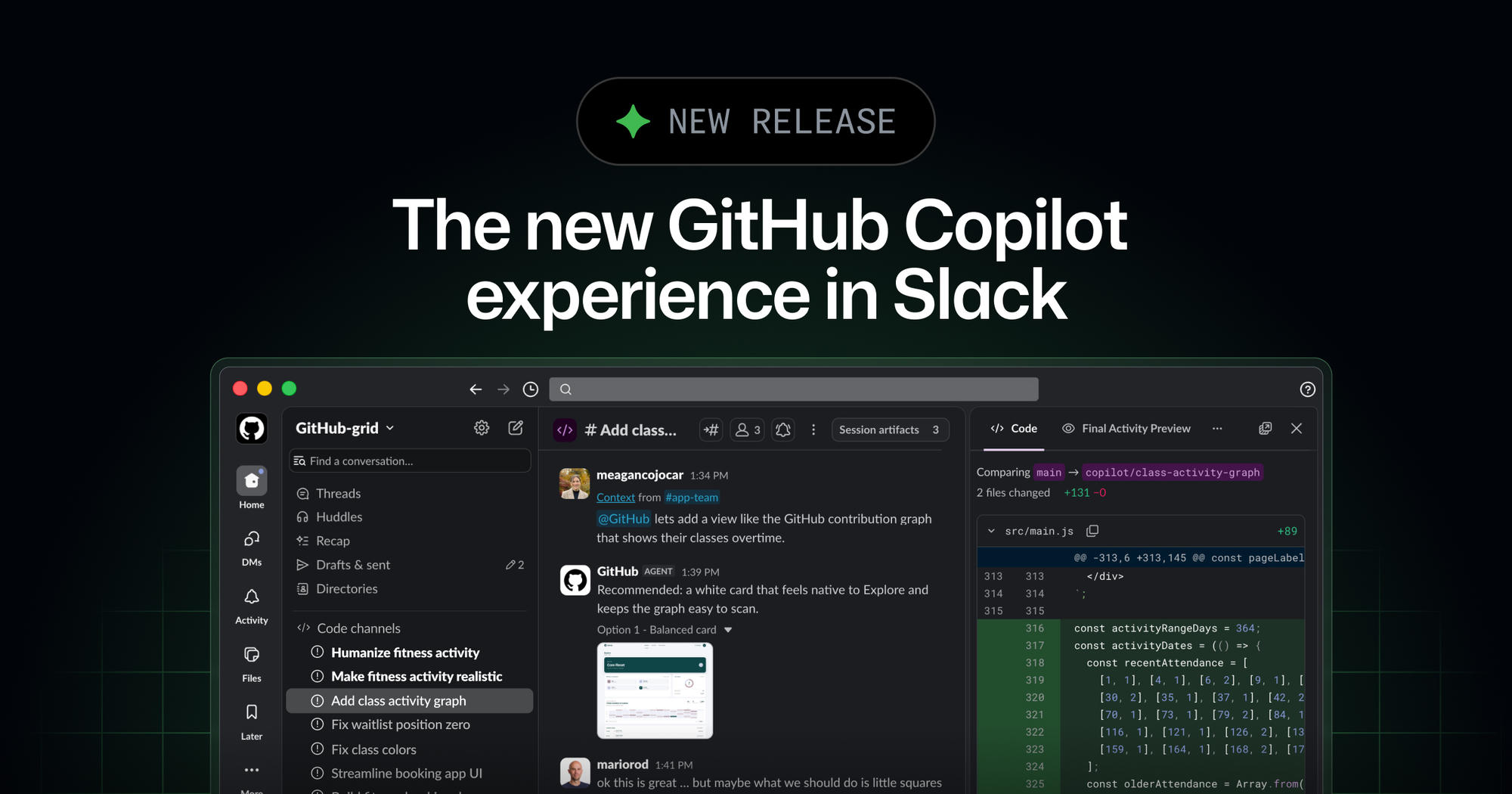
The GitHub integration in Slack now provides the agentic capabilities of GitHub Copilot CLI and the GitHub Copilot app within Slack as a public preview. This allows users to interact with @GitHub to plan changes, investigate problems, and hand off coding tasks directly from team conversations.
GitHub is also a launch partner for Slack Code, a new channel type designed for agents. This integration aims to help teams convert shared intent into shippable work by bringing Copilot into the flow of conversation.
Key Points
- The public preview integrates GitHub Copilot CLI and the GitHub Copilot app into Slack.
- Users can mention @GitHub in a direct message, channel, or thread to initiate an agent session.
- Copilot can use conversation context and permitted GitHub context to answer code questions, triage bug reports, investigate failures, implement changes, and open pull requests.
- GitHub Copilot can create dedicated code channels within Slack for focused task collaboration.
- Agent sessions in Slack are shared, enabling team collaboration and visibility into agent prompting.
- Issues and pull requests created by the Copilot app identity are attributed to it and bounded by existing GitHub permissions.
- The public preview is available to organizations on GitHub Copilot Business and GitHub Copilot Enterprise plans.
- Usage counts against existing Copilot entitlements and can be managed with Copilot cloud agent budgets.
- Repository administrators can require additional approval for pull requests attributed to the Copilot app identity before merging.
Context
According to GitHub, bringing Copilot into conversation flows helps teams turn shared intent into shippable work. The integration allows Copilot to continue working asynchronously while users are focused on other tasks, with the ability to direct sessions from Slack and continue work in the terminal, GitHub Copilot app, or IDE.
Why It Matters
This integration changes how development teams can interact with GitHub Copilot, allowing for more collaborative and transparent use of AI agents directly within their communication platform. It introduces new workflows for managing code changes and issues, while maintaining human oversight through existing GitHub permissions and optional pull request approvals.
What To Do
- Ensure an administrator has enabled the Copilot cloud agent policy for your organization.
- Install or upgrade the GitHub app for Slack.
- Link your GitHub account and mention @GitHub in a Slack conversation to begin an agent session.
- Review the setup details and supported workflows for using the Copilot coding agent with Slack.