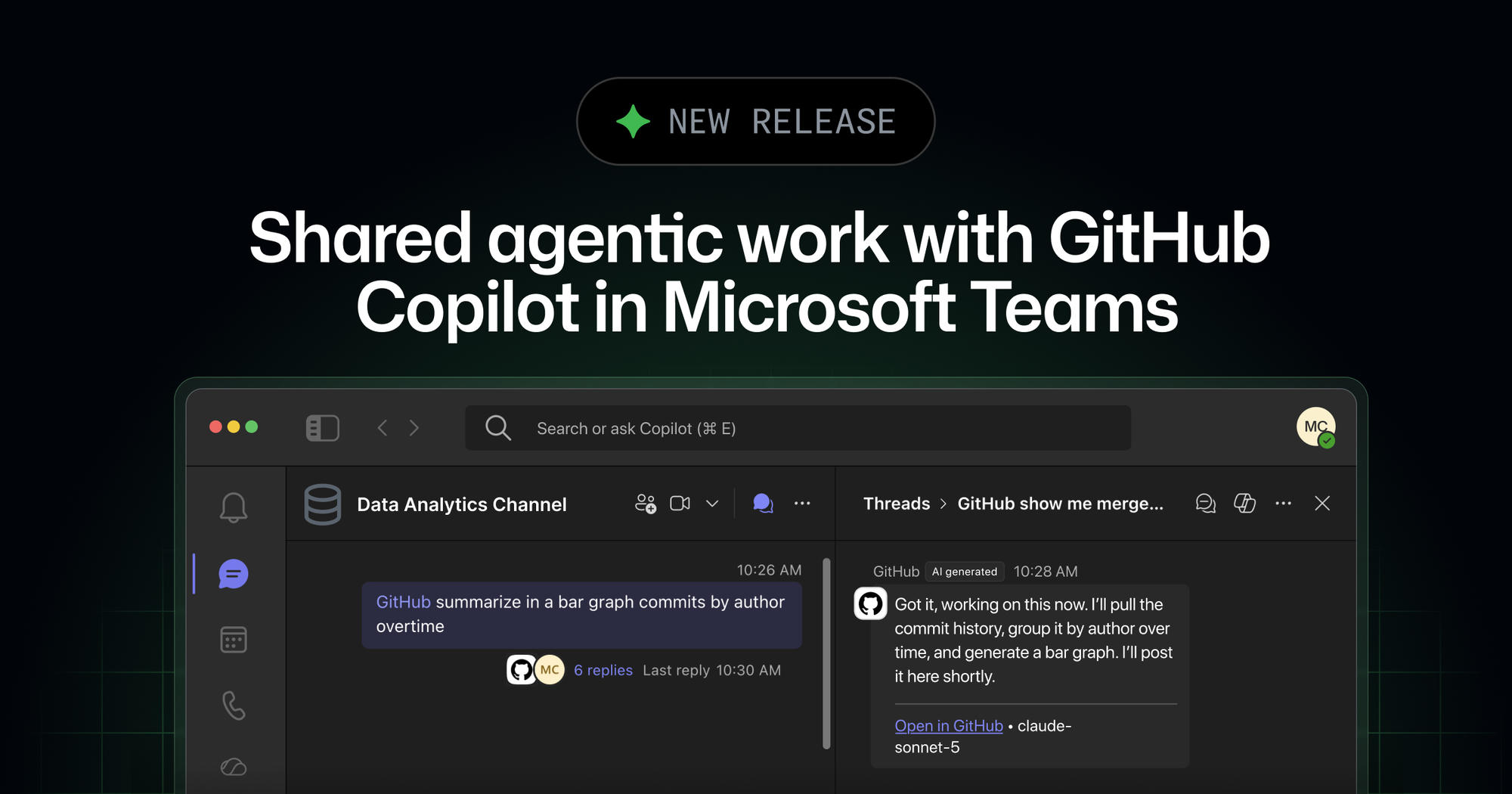
GitHub has introduced an integration that allows GitHub Copilot to facilitate shared agentic work within Microsoft Teams. This feature enables users to initiate collaborative agent sessions by mentioning @GitHub in a channel, thread, or direct message.
This integration is designed to transform team discussions into active development sessions where participants can collectively guide Copilot to address action items, such as investigating problems or generating code. The system creates a dedicated code channel for monitoring progress and further steering the agent's work.
Key Points
- Users can start a GitHub Copilot cloud agent session by mentioning @GitHub in Microsoft Teams.
- Anyone in the conversation can ask questions, add context, and help plan or steer the work.
- Participants with write access to the repository can trigger Copilot to make changes.
- Copilot can work asynchronously in a secure cloud sandbox, with progress viewable in a dedicated code channel.
- The public preview is available with paid GitHub Copilot plans.
- Copilot cloud agent sessions in Microsoft Teams consume AI credits, governed by usage-based billing budgets for organizations.
- Cloud sandbox usage is billed separately and can be controlled with product-level or SKU-level budgets.
- Repository administrators can require an additional approval for pull requests attributed to the Microsoft Teams Copilot integration identity.
Context
According to GitHub, the integration allows for turning a Microsoft Teams discussion into a collaborative agent session. This means that when a meeting generates an action item, teams can hand it to Copilot during or after the discussion. For example, Copilot can investigate a problem during a team's standup. The agent creates a dedicated code channel where progress can be monitored and additional context can be provided. Work can continue with agent-generated artifacts from a terminal, the GitHub Copilot app, or an IDE.
Why It Matters
This integration offers developers and teams a way to incorporate AI-driven development directly into their communication workflows. The ability to direct Copilot collaboratively and monitor its progress within Microsoft Teams could streamline the process of addressing development tasks and maintaining compliance oversight, even with agent-authored work.
What To Do
- Ensure an administrator has enabled GitHub Copilot cloud agent and cloud sandboxes if you are in an organization or enterprise.
- Install the GitHub app for Microsoft Teams.
- In Teams, mention @GitHub and follow the prompts to connect your GitHub account.
- For public channels, configure a default repository if prompted; direct messages do not use a default repository.
- Mention @GitHub followed by your task, or use @GitHub help to see available commands.
- Review the documentation on cloud sandboxing for more information on asynchronous task execution.
- Consult the documentation on integrating GitHub Copilot cloud agent with Microsoft Teams for setup details, permissions, and supported workflows.